 THE JOURNAL / COMPUTERS
Build a better desk setup, one useful change at a time
A thoughtful workspace starts with the things that slow you down, not a shopping list of accessories.
Read the storySelect an image to enlarge.
Create more room at your desk while keeping the keys and connections your work depends on.
An independent category guide. This is not a hands-on test of a specific model.
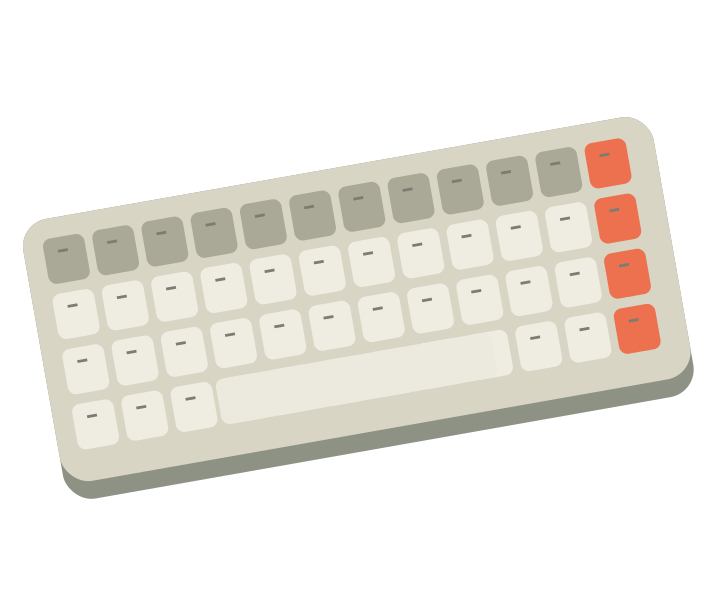
A smaller keyboard can free up room for a mouse, but first check the keys you use every day. Dedicated arrows, function keys, and a number pad can matter more than saving a few inches.
Confirm your operating system, language layout, and connection method. If you move between devices, check how switching works and whether the required receiver or cable is included.
Consider other people in your workspace when choosing typing sound. A keyboard that feels satisfying in a short demonstration may feel different during a full day of writing or data entry.
This guide explains a product category. It does not provide a model-specific test, score, or customer rating. How we approach content →
THE JOURNAL / COMPUTERSA thoughtful workspace starts with the things that slow you down, not a shopping list of accessories.
Read the story
Noise cancellation and device switching make this a model to consider for a mixed phone-and-computer routine. Fit and microphone suitability still deserve a closer look.
Explore this productThis compact mechanical keyboard combines a smaller layout with wired and wireless modes. Its screen and lighting offer customization, while the key layout remains the first practical check.
Explore this productA little transparency. GVoltiva is an independent electronics guide. Product links may support our work when affiliate links are enabled. Learn more