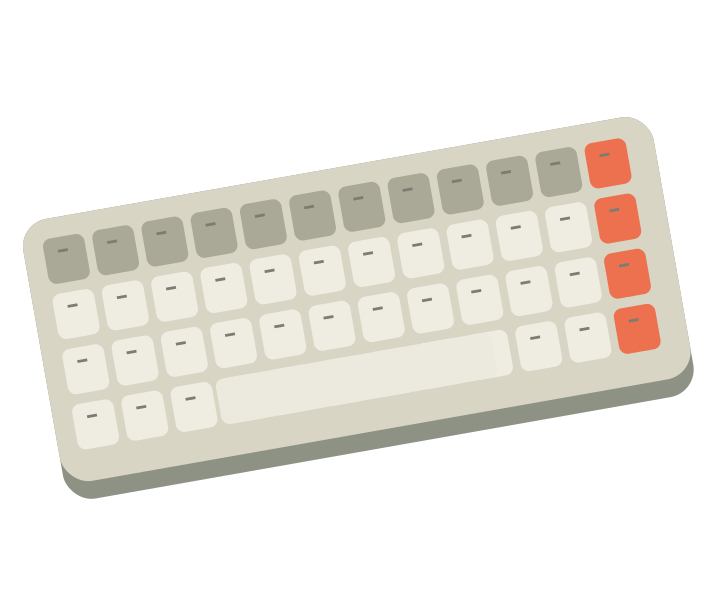
Compact desktop keyboards
Create more room at your desk while keeping the keys and connections your work depends on.
Explore this guideA thoughtful workspace starts with the things that slow you down, not a shopping list of accessories.
Before buying anything, spend a normal work session noting the small interruptions. Perhaps the mouse has too little room, your charging cable is hard to reach, or a useful port is always occupied. Pick the most frequent problem and solve that one first.
Record the usable desk width and depth, the position of power outlets, and the space your computer needs. Keep room for the things you reach for throughout the day. A compact keyboard can create space, but removing a number pad may be inconvenient for spreadsheet-heavy work.
List the devices that must be connected simultaneously. A hub with more ports is not automatically the right choice: monitor support, power delivery, and data connections depend on both the hub and your computer. Read the computer's documentation as well as the accessory listing.
Live with each change before adding another. Notice whether it actually helps your routine and whether it introduces a new inconvenience. Keep packaging until you are comfortable with the choice and have checked any return conditions. A useful setup is personal, and it can stay simple.
These are general buying considerations, not hands-on test results. Check the exact product's manufacturer documentation and current listing before making a purchase.
Create more room at your desk while keeping the keys and connections your work depends on.
Explore this guide
Match your platform, control preferences, and connection needs before adding a new controller to your setup.
Explore this guideA little transparency. GVoltiva is an independent electronics guide. Product links may support our work when affiliate links are enabled. Learn more