 THE JOURNAL / TV & THEATER
Plan movie night around your room
Screen placement, lighting, audio, and cable routes are the foundations of a more enjoyable entertainment setup.
Read the storySelect an image to enlarge.
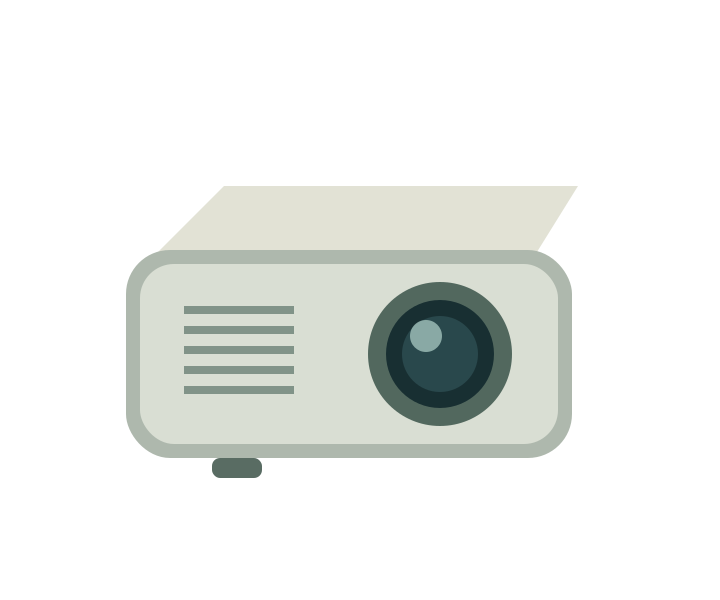
Work backward from lighting, screen placement, and viewing distance before choosing a projector.
An independent category guide. This is not a hands-on test of a specific model.
Record the available projector-to-screen distance and the space for the image. Check the manufacturer's throw guidance before assuming a particular model can fill your intended screen.
List your sources, from a streaming device to a game console, and confirm the inputs. Think about where speakers, cables, and power outlets will sit so the layout works in practice.
Brightness specifications can use different measurement conventions. Compare like-for-like information from reliable sources, and review the limitations that apply in the lighting conditions of your own room.
This guide explains a product category. It does not provide a model-specific test, score, or customer rating. How we approach content →
THE JOURNAL / TV & THEATERScreen placement, lighting, audio, and cable routes are the foundations of a more enjoyable entertainment setup.
Read the story
Noise cancellation and device switching make this a model to consider for a mixed phone-and-computer routine. Fit and microphone suitability still deserve a closer look.
Explore this product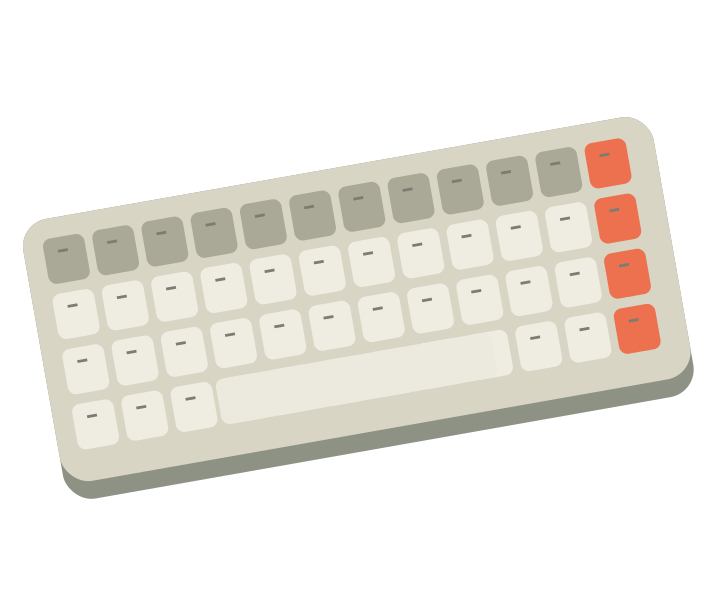
This compact mechanical keyboard combines a smaller layout with wired and wireless modes. Its screen and lighting offer customization, while the key layout remains the first practical check.
Explore this productA little transparency. GVoltiva is an independent electronics guide. Product links may support our work when affiliate links are enabled. Learn more